Save, plan and approve posts as a team
FavStash is the social media collaboration tool for small teams: one shared stash, one content calendar, and approval before Members’ posts go live.
$25/seat/month · Team of 3 from $75 · Creator Pro included


How it works
From saved idea to approved post
Three steps. No more “who has the link?” in the group chat.
- 1
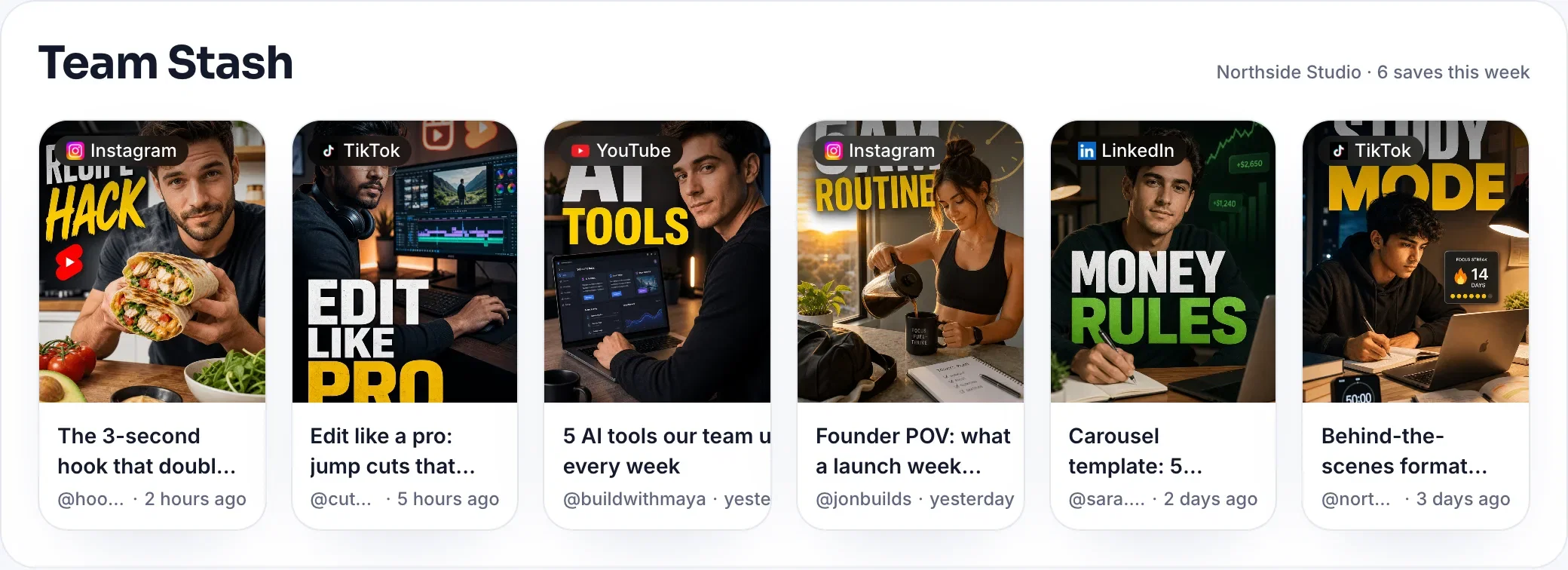
Save ideas to one Team Stash
Spot a Reel or TikTok worth stealing? Share it from your phone to the Team, with a note on why.
- Save from any app on your phone
- Copy saves from your personal stash
- Your personal stash stays private
- 2
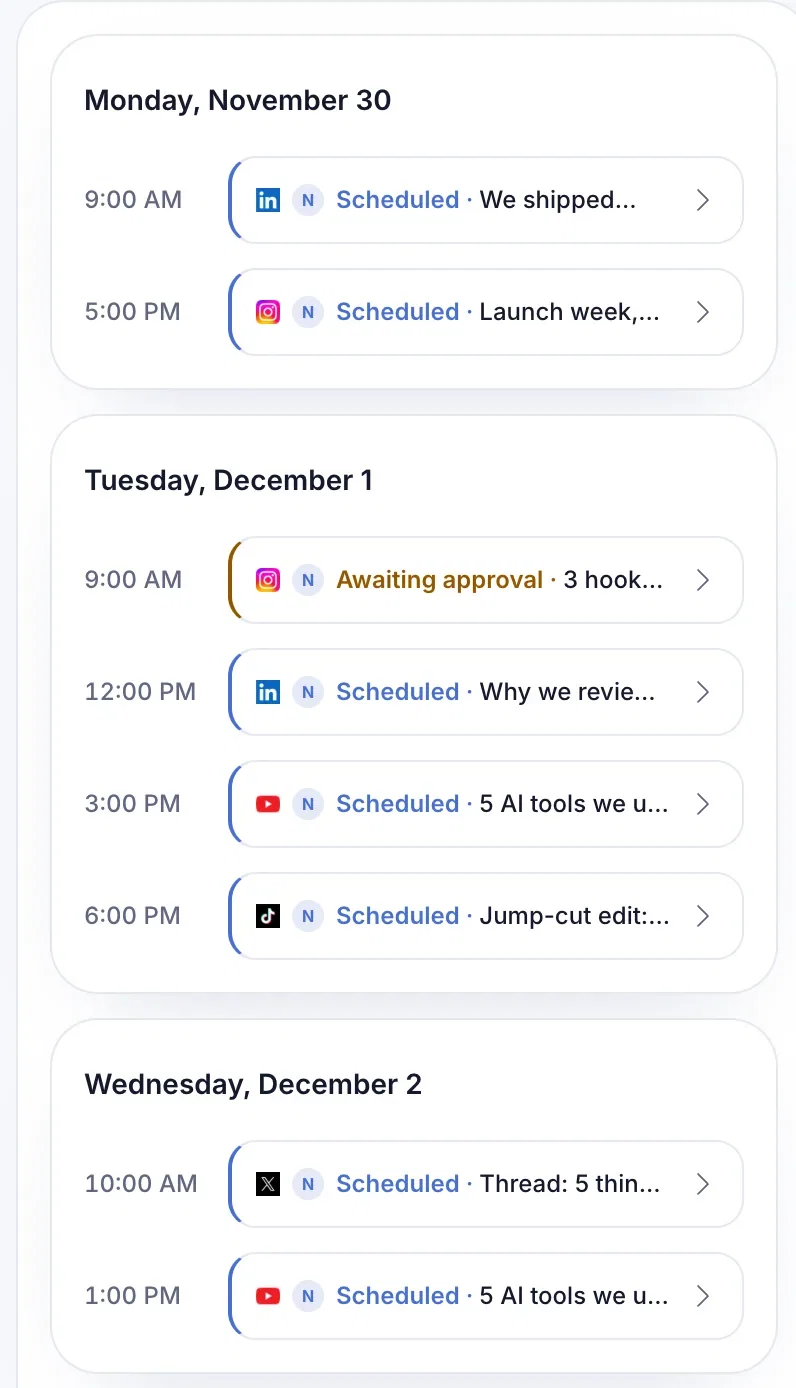
Plan on one shared content calendar
Teammates share the channels they’ve already connected. Everyone sees every scheduled post, plus analytics for each channel.
- Instagram, TikTok, YouTube, LinkedIn and X
- Your login never leaves your account
- Stop sharing a channel anytime
- 3
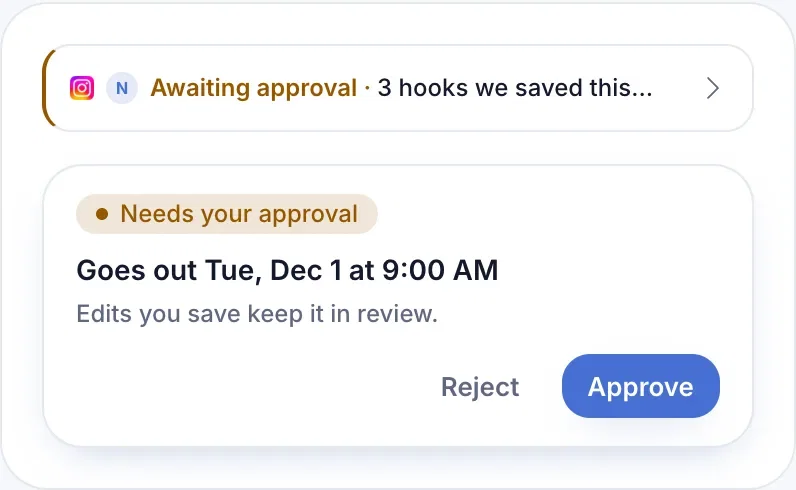
Approve posts before they go live
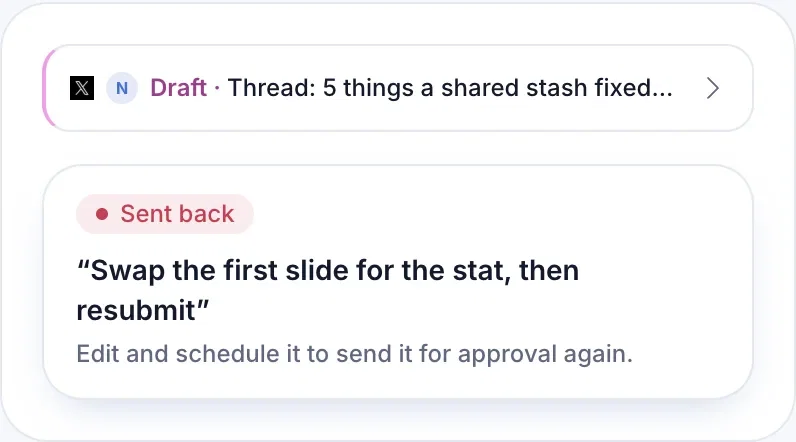
Members draft and schedule. Owners and Admins approve, or send it back with a note. No Member post goes live without a yes.
- Rejected posts return as drafts
- Edits after approval go back for review
- Owners and Admins publish directly


Works with Claude and ChatGPT
Ask Claude what the team saved
Connect your own Claude or ChatGPT once. Ask what the team saved, then have it draft posts for the shared calendar. Members’ drafts still need approval.
Add FavStash to Claude or ChatGPTPricing
$25 a seat. Creator Pro included.
Team
One workspace for your whole team.
$25/seat/mo
3 seats minimum, you included: $75/mo. Same price monthly or yearly.
Creator Pro for you and every member, plus:
- Shared Stash and team calendar
- Member post approvals
- Roles and invitations
 Sprout Social Essentials3 × $79 a seat, billed yearly$237
 Hootsuite Standard3 × $99 a seat, billed yearly$297
 FavStash Team$75/mo 3 seats, Creator Pro each
Keep $1,944 a yearTeam costs $900 a year for 3 seats, billed monthly or yearly.
Entry-plan list prices: Hootsuite checked 6 Oct 2026, Sprout Social 29 Oct 2026. Features differ; see FavStash vs Sprout Social and FavStash vs Hootsuite.
FAQ
Questions teams ask
What is FavStash for Teams?
It's the Team plan: a shared workspace where everyone saves ideas into one Team Stash, plans posts on one calendar across shared channels, and sends Members' posts for approval before they publish. Every seat also gets Creator Pro for their own account.
How much does the Team plan cost?
$25 per seat a month, or $300 per seat a year, with a 3-seat minimum. A team of three costs $75 a month. The pricing page always shows the current prices.
Does the Owner count as a seat?
Yes. Everyone in a Team uses a seat, the Owner included. An invitation reserves a seat for 7 days, and revoking it or removing a member frees that seat.
Can clients approve posts?
Only from inside the Team: approving takes an Owner or Admin seat, so a client would join as an Admin. There are no outside approval links.
How does the approval workflow work?
Owners and Admins publish without approval. A Member's post waits until an Owner or Admin approves it. If they reject it, it goes back to the Member as a draft with an optional reason.
Can teammates see my login or my personal stash?
No. Sharing a channel lets the Team publish to it and see its analytics, but your login stays private and you can stop sharing anytime. Your personal stash stays personal; only what you save or copy to the Team is shared.
Can we use Claude or ChatGPT with the Team?
Yes. Once FavStash is connected to your Claude or ChatGPT, it can search the Team Stash, see shared channels, and draft, move or cancel Team posts. Approvals and member management stay in the web app.
What happens if we stop paying?
The Team becomes read-only until its Owner restores the Team plan. Saves stay in the Team Stash.
Plan your first week together
Three seats, including you. Invite teammates, share a channel, plan the week.